What cloud storage is
Cloud storage means a copy of your files on another company computer, reachable from any device you own. That copy was built for access, not for rescue, and that one sentence is the whole difference between cloud storage and a backup.
- Lesson 9 of 12
- Beginner
- Free, no signup
The two sides of cloud storage, and the program in the middle
One copy, visible in two places. The program in the middle exists to keep those two views identical, not to protect your file.
Your devices
laptop, phone, tablet; each one a window onto the same single copy
- You open, edit and delete the file
- Some files keep a full copy, some keep only a name
- When the connection drops, that split shows itself
The company server
a real disk in a building whose address you do not know, and it is not yours
- The master copy lives here and the rest reflect it
- A trash can with a stated window, the only safety net
- Access hangs on the account, not on your device
what keeps the two identical, and carries a deletion across too
The sync client
the one sitting in the taskbar, working without a sound
- It carries an addition across, and an edit too
- It carries a deletion too, and that is where files go missing
- If the space fills up, it usually stops quietly
This drawing shows the sync setup. If you use the service only as a manual archive, remove the program in the middle and the relationship becomes one way.
Last checked: Facts and tool names in this lesson are re-checked against their sources on this date.
Where the cloud actually is
There is no cloud. Cloud storage means a company owns a building full of computers and rents you part of their disks. Your file sits there on a real disk, the same way it sits on your own laptop. The only difference is that the disk is not yours and you reach it over the internet.
Once you know that, most of the next questions answer themselves. Why do some files open when the connection is down and others do not? Because some of them keep a full copy on your device and others keep only a name. Why is the free account capped? Because a real disk costs real money.
There is a similar name that is not this at all: cloud hosting. That one is a place for a website to run, not a place to keep personal files. If that is what you came for, our page on cloud hosting is where to go, and this lesson will not help you.
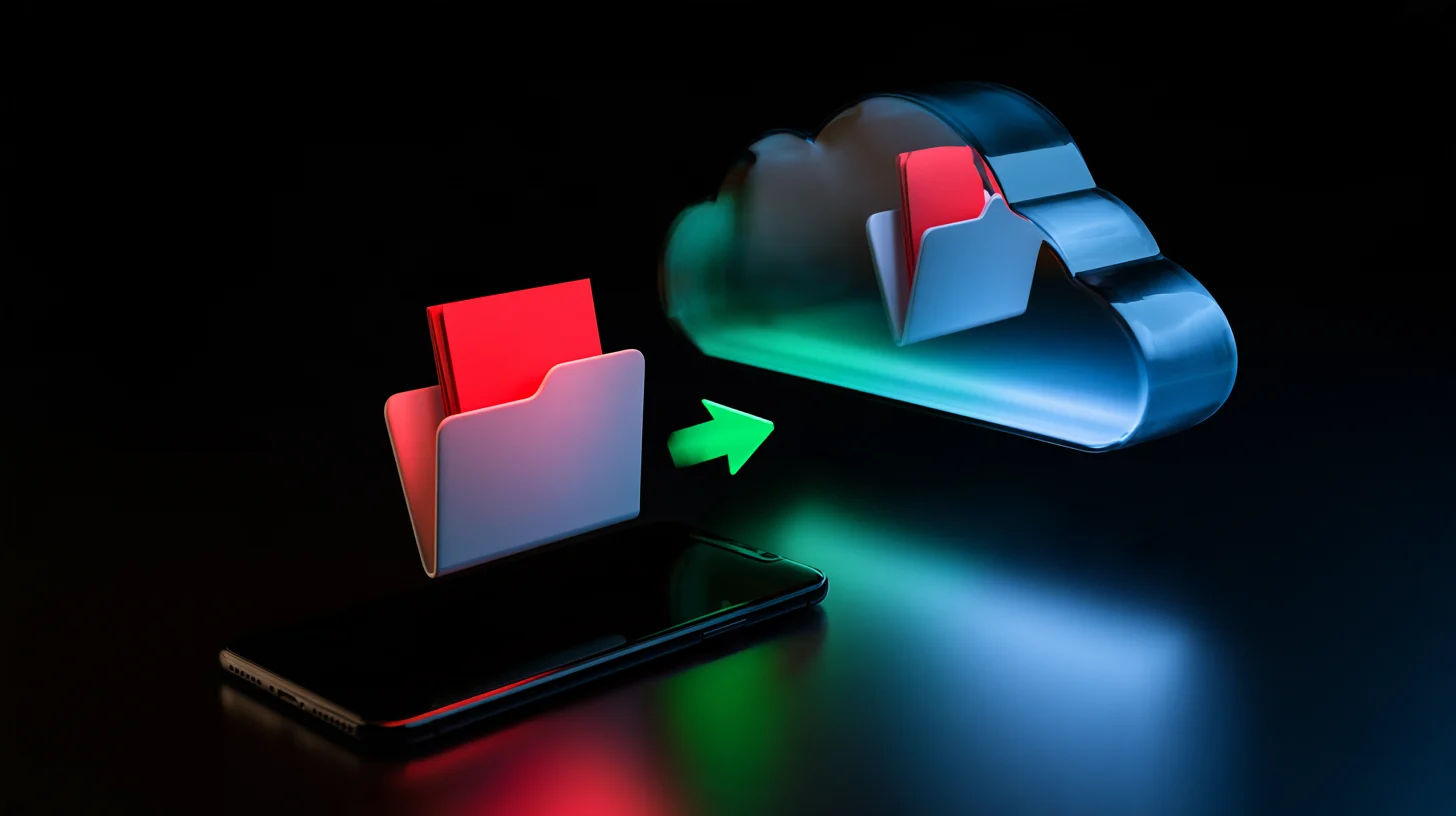
Why syncing is not backing up
This is where people lose files, and usually careful people. Syncing means any change you make on one side goes to the other side immediately. Adding travels. Editing travels. So does deleting.
Google settles this in one sentence on its own help page: if you mirror or stream files between Drive and your computer, any files you put in the trash are put in the trash everywhere. Your synced folder is not a second copy. It is one copy, visible in two places.
A backup is the opposite. A backup deliberately lags behind. What you did yesterday is still in it, even if you wrecked or deleted the file today. The difference fits in one question: which of the two saves you from your own mistake?
Ransomware walks through exactly this gap. A program that encrypts your files encrypts the ones inside the synced folder too, and the sync client dutifully uploads the encrypted version. The service is not at fault. It did the job it was built for.
Syncing and backing up, two different jobs
Backup: for going back in time
- Keeps yesterday version even if you wrecked it today
- Works against ransomware, as long as it is not attached to the device
- Not built for daily use, and it has to be tested
- But it does not put today file on your phone
Sync: for reaching your file
- The same file on your phone, laptop and the machine at work
- Sharing with a link instead of sending the file
- Lose the device and the files are still there
- But it does not save you from your own mistake
Neither replaces the other and most people need both. The common mistake is not picking one; it is believing one of them is the other.
How long a deleted file can still come back
All three big services keep a trash can, and each one publishes its window on its own help page. That window is the only safety net syncing gives you, so it is worth knowing the number rather than guessing it.
| Service | Recovery window | What their own page says |
|---|---|---|
| Google Drive | 30 days | files you move to the trash are deleted forever after 30 days |
| Dropbox | 30 days | all deleted files are saved for 30 days, or longer on Professional and team plans |
| OneDrive | 30 days personal, 93 days work | the personal recycle bin empties after 30 days; a work or school account keeps items 93 days unless an administrator changes it |
We read those three numbers on the vendors own help pages, on the date printed at the bottom of this page. Numbers like these change, so if you are making a real decision on one, open the page yourself once.
Now the harder question: how do you know a file was deleted? If a folder you open once a week emptied last month, thirty days ran out long ago. The clock starts when the file is deleted, not when you notice. Almost every story of lost files we have heard breaks at exactly that point.
What is known about Iran, and what is not
You normally hear two kinds of answers here and neither carries a source: it works, or it is blocked. We will not print either. What can be checked is what the company itself wrote on its own page.
The Dropbox terms say you may use the services only as permitted by applicable law, including export control laws and regulations. No country is named in that sentence. Google terms of service similarly ask you to comply with applicable laws, including export control and sanctions laws, and again name no country.
So the honest conclusion is this: these companies own pages do not answer your question. Anyone who tells you with certainty that Drive is fine in Iran, or that it is not, is not quoting an official page. That is different from cases where a company really did publish a country list: for Gemini, Google published the list of available countries and Iran is not on it, and we recorded that with its date in our AI section.
One thing that gets mixed up with access: payment. The paid tiers want an international card, which is a separate problem. What we have actually tested about paying from Iran sits in our buying guide, and we claim nothing beyond it.
Our position is simple. Do not keep the only copy of an important file on something that may not be reachable tomorrow. That advice has nothing to do with your country and holds everywhere; in Iran it just becomes useful sooner.
Three questions before you upload anything
Answer these three once for every service you use, then forget them.
What if my account gets locked? A forgotten password, a phone number you no longer have, or the company own decision. If the answer is that those files are gone, then that service is not the only place they should live.
Who can read it? Encryption on the company disk means a disk thief sees nothing, but the company still sees it. If you hold something only you should read, encrypt it before you upload it, not after.
What happens when the space runs out? The usual answer is that syncing stops quietly and you spend months believing you have a copy. Visit the storage page once a year; it takes thirty seconds.
And one next step worth taking: the files that genuinely cannot be replaced, family photos, documents, years of work, should have a second copy somewhere that is not attached to an online account. The backup lesson walks through exactly that.
A cloud account review sheet, once a year
Check these
- Storage used: how close to the cap it is
- Account recovery: a number and an email you can still reach
- Your share list: what is still open to other people
- A second copy outside this account for the irreplaceable things
Do not count these as a backup
- The synced folder on the same laptop
- The service trash can, which expires
- An external drive that is always plugged in
This sheet assumes a personal account. For a business, contracts and retention duties decide what lives where, and that is a different discussion.
The fast path, with AI
These help pages are long and the number you need is buried in a few thousand words. What a professional does is not read all of it; they hand the page text to a language model and ask for four numbers, each with the sentence it came from. The whole trick is in one condition: a row with no quoted sentence means not found, not zero.
- Open the service own help page, not an article about it. Select and copy the text; a link alone is not enough, because the model may not see the page and will answer from memory.
- Send the recipe below together with the copied text. A fast cheap model is enough, because this is extraction and not judgment. The current pick in each class is kept, with its date, in <a class="text-link" href="/en/ai/">our AI section</a>.
- Check the answer against the page: search the original text for each quoted sentence. If it is not there, throw that row away. It takes thirty seconds, and the entire value of this method sits in those thirty seconds.
- Write the four numbers down in one place with today date. Repeat this once a year; the numbers change and nobody tells you.
Copy-ready recipe
The text below is the official help page of the service {service name}. Answer only from this text and add nothing from your own knowledge.

Give me four rows, with exactly these labels:
Trash window: {number and unit}
Deleting on one device: {what happens on the other devices}
Version history: {how many versions or how many days}
Inactive account: {after how long, and what then}

Rules:
1. Under each row, quote verbatim the sentence from the text that the answer came from, in quotation marks.
2. If you cannot find a sentence for a row, write "not stated on this page". Do not guess and do not fill it from memory.
3. No extra explanation, no preamble. Only those four rows and their quotes.
4. If the text points at another page, name that page on one final line.

Page text:
{pasted text}
Before you trust the output: A model does not see a page you did not give it, and that does not stop it from answering with full confidence. That is why the quote condition is in the recipe and why you search the text for those sentences yourself. And send the help page text, not the contents of your account; what you put in a chat may be retained depending on the plan and the settings.
AI in this kind of work
For this topic the most useful thing AI does is reading, not writing. The terms and help pages of these services are long on purpose, and a good model can tell you in seconds which clause concerns you. Our position: ask a model to read the text for you, not to decide for you what goes where.
Tools that actually help
- Claude Good at reading a long terms page and pulling out the relevant clauses, quoting the text itself. Iran is not on Anthropic supported countries list, which we read on their own page.
- Gemini Does the same job and sits closer to Google own services. Google own page says the Gemini web app runs in over 230 countries, and Iran is not on that list.
- NotebookLM If you want to keep several help pages side by side and ask questions of them later, this is the better shape: answers point back at the documents you supplied.
Where it backfires
The risk here is not that the model gets something wrong; it is that you hand it your files. The common temptation is to paste a folder listing or the documents themselves into a chat so it can organise them. That listing carries client names, invoice numbers and project names. Google own page on Gemini says that if you keep activity on, conversations are used to improve Google services including its models, human reviewers may read them, and a human-reviewed conversation is kept for up to three years and does not go away when you delete it; the same page tells you plainly not to enter confidential information. Anthropic own page says that on consumer plans conversations are not used for training by default unless you turn it on. So the answer differs per service, and defaults change. The sourced detail is in our lesson on privacy in AI tools.
Sources: Google: how Gemini Apps activity and data are used Anthropic: is my data used for model training Anthropic: supported countries Google: where the Gemini web app is available
Where this advice stops
All of this lesson is about personal cloud services. If the files belong to a business, or are a client documents, or are something the law says must be kept for a number of years, the decision stops being technical and is made by contracts and retention duties. The numbers on this page are also a snapshot: trash windows and terms of service both change, and the date at the bottom of the page means that is the day we read them.
From our own work
We keep the backups of the seven sites on this server on a cloud service, and the expensive lesson was this: the thing that saved the file was not the cloud copy itself. On 21 August 2026 one of our own test runs deleted a real backup from that account, at 08:18 UTC. The file came back, but for two reasons: the service had kept the deleted file in a trash we knew how to reach, and we had a checksum showing the restored copy was byte for byte identical to the original. A cloud copy with no trash and no checksum would have been one file short that day, and we would not have noticed for weeks.
Real follow-up questions
Is cloud storage different from cloud hosting?
Yes, and the name is all they share. Cloud storage is where your files live; cloud hosting is where a website runs. If you want the second one, read our page on cloud hosting.
Can I reach my files with no internet?
It depends on whether the file keeps a full copy on your device or only its name. Google itself gives those two modes separate names and you choose between them in the desktop app settings. If a file is critical to you, turn on the full copy mode for it and then test it once with the connection off.
Is a free account enough for one person?
For documents and everyday work, usually yes; for photos and video, usually no. The real problem is not filling up, it is not noticing that you filled up: syncing stops and nobody sees the message. Open the storage page once a year.