Strong passwords and two-factor authentication
The strongest thing you can do for an account is to make sure its password is used nowhere else and that two-factor authentication is switched on. Length matters more than complexity, and the NIST guideline says so outright: no service is allowed to force a mixture of letters, digits and symbols.
- Lesson 3 of 12
- Beginner
- Free, no signup
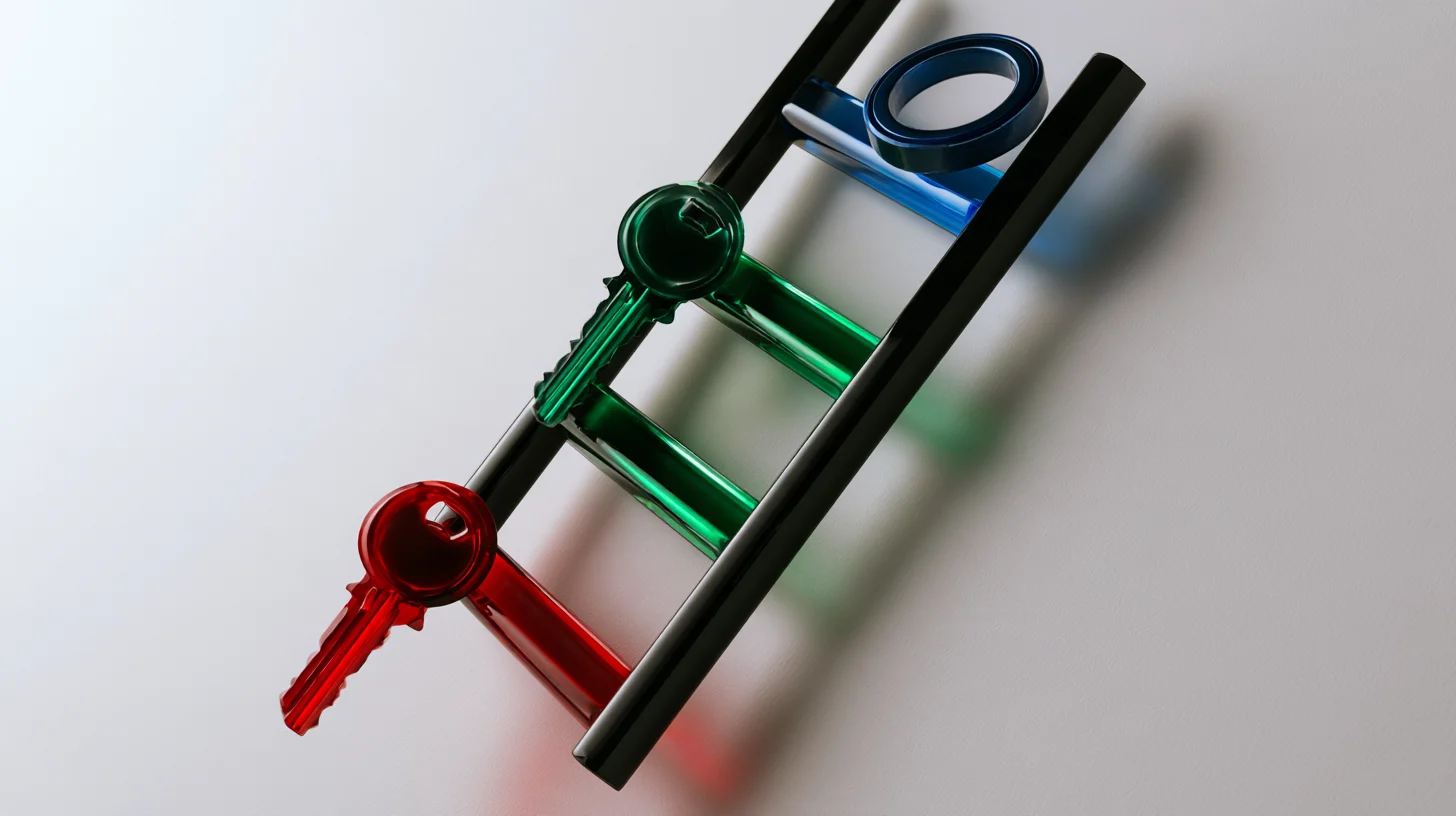
Six rungs, from the worst case to no password left to steal
-
1
One password everywhere
The worst case. Every account is tied to the weakest site you ever signed up to.
-
2
A unique password per account
The biggest single jump on the ladder: one site leaking no longer takes the rest with it.
-
3
A passphrase instead of a short password
A few genuinely random words. Length does the work, not symbols standing in for letters.
-
4
A password manager
It makes the second rung achievable, and in exchange creates one point of failure that has to be taken seriously.
-
5
Two-factor authentication
A leaked password is no longer enough on its own. An app code beats SMS and a hardware key beats both.
-
6
A passkey
No secret is left to steal and the signature binds to the site address, so a fake page gets nowhere.
The top rung is not available everywhere, and from Iran a share of the services that support it will not open. The ladder gives the order of work, not an instruction to reach the top tonight.
Last checked: Facts and tool names in this lesson are re-checked against their sources on this date.
The ladder everyone is already standing on
Account security is not a binary you either have or do not. It is a ladder, and everybody is standing on one of its rungs right now. The bottom rung is one password reused across several sites. The top rung is a passkey, where there is no password to steal at all.
Looking at it this way has one practical benefit. Someone who thinks they have to fix everything in one night usually does nothing and stays where they are. Someone who climbs one rung is better off tonight than they were last night.
The order of the rungs is not arbitrary either. A reused password is the worst case, worse than a short one, and the reason has nothing to do with the strength of the password itself. A reused password means the security of your account is tied to the weakest site you ever signed up to; that old forum nobody has updated in years, whose user list spills out one day. On that day your password stops being a secret, and nobody had to break anything.
The second rung is uniqueness, the third is length, and after that comes the tool that makes uniqueness possible. A password manager does not replace the second rung; it is what makes the second rung achievable, because no human being memorises seventy unique passwords.
Then, after the password, the second layer. Two-factor authentication means that even if the password leaks, the leak on its own is not enough. That sounds simple, and the entire value of this lesson sits in it: arrange things so that one mistake is not your last one.
Why length matters more than complexity
For years everybody was told a password needs upper case, lower case, a digit and a symbol. The result was passwords that humans struggle to remember and computers do not struggle to break, which is the worst possible combination. P@ssw0rd! is exactly the pattern any guessing list tries first.
The arithmetic behind it is simple. Every character you add to a password multiplies the number of possible combinations by the size of the alphabet. Adding one symbol to an eight character password only makes the alphabet slightly bigger. Adding four more characters makes the whole space larger by orders of magnitude. Length always wins, and that is only true when the guessing is blind; if the password is built from a familiar pattern, none of this arithmetic applies at all.
This is not our opinion. The NIST SP 800-63B guideline, the authentication standard of the American government, states three things outright, and all three are the opposite of what most Iranian sites enforce: the minimum length for a password used as the only login factor is 15 characters, and 8 when the password sits next to a second factor; a service is not allowed to force a mixture of character types; and it is not allowed to make users change passwords on a schedule, unless there is evidence of compromise.
One point usually gets dropped, and it matters: that document places requirements on the service, not on you. It does not say your password must be 15 characters; it says a site you log into with a password alone has no business accepting less than 15. The user-facing conclusion is safe to draw anyway: where you have no second factor, a short password is not enough.
The practical route to length is a passphrase. Four or five unrelated words that only you put side by side clears twenty characters easily, and it is easier to remember than a cluttered eight character password. There is one condition: the words have to be genuinely random. A line of poetry or a proverb, however long, is already on the lists.
Password managers, without the sales pitch
A password manager is a program that keeps passwords encrypted and opens with one master password. What it actually does is not to make passwords secure; it is to turn uniqueness from a wish into a daily routine. As long as passwords have to be memorised, people reuse them, because they have no other option.
Now the other side, the one salespeople skip. A password manager creates a single point of failure. Everything goes behind one master password, and if that one leaks, all of them leaked together. That objection is real, and answering it with do not worry is meaningless.
Three things make the objection bearable, and all three are needed. First, the master password has to be a long passphrase used nowhere else. Second, two-factor authentication has to be on for the manager itself; that is the next section, and here it matters more than anywhere else. Third, you need to know what happens if you forget the master password. In most of these programs the answer is that nobody can help you, because the company does not have your master password either. That is a feature, not a flaw, but you want to know it before the day it applies.
Our position is simple: a password manager, with all of the above, is safer than where most people are now, because where most people are now is one password across seventy sites. But if anybody tells you a manager reduces the risk to zero, they are selling something.
One last point that rarely gets said: the manager built into your browser, with all its limits, is far better than reusing a password. The which product debate only means anything once you have climbed the second rung. If you have not, whichever one you will genuinely use tonight is the best one.
A password manager: what it gives and what it takes
What you gain
- a unique password per account, with no memorising
- long passwords nobody has the patience to type
- autofill only on the right domain, which is a phishing filter
- one known place for recovery codes
What you take on
- a single point of failure behind the master password
- forgetting the master password usually means losing everything
- trusting a company whose code and infrastructure you cannot see
- dependence on the device where the manager is unlocked
The pans are level because both sides are real. Choosing between them depends on how seriously you take the master password and the manager own two-factor.
Which kind of two-factor is actually stronger
Turn on two-factor authentication is a correct sentence that tells half the story. The four common kinds are not equally secure, and the gaps between them are not small.
SMS is the weakest. The same NIST guideline quoted above keeps a list of restricted authenticators, and in the revision we read it has exactly one member: using the telephone network to deliver a code. So out of every method there is, the standards body has marked precisely this one. The reason is that your phone number is itself another account, held at your operator, and it can be moved.
An authenticator app code, the six digits that change every thirty seconds, is a rung higher. Nothing travels over the phone network and the code is generated on the device itself. But it has a structural weakness that rarely gets said out loud: the code is readable and replayable. If you type it into a fake page, whoever built that page can type the same code into the real site within the same thirty seconds. The app has no idea where you are.
Push approval, the yes it is me prompt, is close to app codes in strength but adds a human weakness: when the prompts keep coming, people get tired and approve one out of irritation. Wherever the service offers the variant where you pick a number shown on screen, choose that one; it removes the thoughtless approval.
Hardware keys and passkeys are a different kind of thing, and the difference is not simply stronger. These bind to the address of the site. NIST calls the property phishing resistance and explains the mechanism: the signature the key produces is tied to the identity of the site the key is talking to, so a fake page receives something that is worthless at the real one. This is the only family that removes the I typed my code in the wrong place problem at the root rather than making it harder.
Through all of this ranking, do not lose one sentence: SMS beats nothing. If a site offers only SMS, switch it on. This is a discussion about choosing between options, not an excuse for having none.
The kinds of two-factor, ranked
Authenticator app codes
Hardware keys and passkeys
Push approval
- 4 A code by SMS or voice call
The places are ordinal and the gaps between them are not measured. Even the bottom row here beats having no second factor at all.
What a passkey is, and what it changes
A passkey builds a key pair instead of a shared password. The private half stays on your device and never leaves it; the public half is stored by the site. At login the site sends a challenge, your device signs it with the private half, and the site checks the signature against the public half. What travels between them is not a reusable secret.
Two consequences fall out of that single change and both matter. First, the site no longer holds a secret that can leak; if its database spills, the public keys are useless to anyone. Second, a fake page gets nowhere, because the signature is bound to the address of the real site. The phishing resistance from the previous section is the default here, not an extra feature.
Now the part that rarely gets said. NIST gives this family its own appendix, titled syncable authenticators, meaning keys that sync between your devices. Syncing is what makes passkeys usable, and it is also what creates a new pressure point: the security of your keys becomes tied to the security of the cloud account that syncs them. Your Apple account, your Google account or your password manager now needs the strongest protection you have.
Let us be honest about today too. Passkeys are not available everywhere, and from Iran a share of the services that do support them will not open at all. Even where a passkey is available, the old password almost always stays as a fallback, and while that fallback is open the account is still tied to the password and to the recovery path. So switch passkeys on where they exist, and keep the password behind them unique and long.
If you only have an hour, start here
Not all accounts are worth the same, and they should not be treated the same. The right order comes out of one simple question: if this account goes, what else goes with it?
The main email address comes first, with no rival. Email is where the forgot my password button of every other site ends up, so whoever holds the email holds the rest. After that, if you run a site, the domain registrar account and then the hosting control panel; they sit near the top for the same reason, not because of what they cost. Then banking and payment, then the social accounts your professional reputation lives on, then everything else.
On those first four or five, do three things tonight: make the password unique and long, switch on the best two-factor that service offers, and take the recovery codes and keep them somewhere off that device. Recovery codes are the step everybody skips and later pays for.
There is a fourth job few people mention: in the settings of each of these accounts, open the list of active sessions and connected devices and throw out anything you do not recognise. The old login of a phone you sold two years ago is still an open door.
The rest of the accounts can be fixed over the following months without hurry. What matters is that the first two are fixed tonight.
The fast path, with AI
The usual advice is change all your passwords, and almost nobody finishes it, because nobody knows how many accounts they have. The fast path builds the list first and the order second: which account, if it goes, takes the rest with it. Work that takes half a day by eye happens here in a few minutes, because sorting text is exactly what a language model is good at. A fast, cheap model of the Flash class is enough, and our current pick is listed in this site AI section. One rule holds through the whole path: no password ever enters the chat.
- Export the list of saved logins from your browser or manager as CSV. Both have it in settings, usually called export.
- Delete the password column on your own machine, before the file goes anywhere. What is left is the site address and the username.
- Hand that password free list to the model and ask it to sort by blast radius, not by apparent importance. Email, domain and hosting sit at the top because they are the key to the rest.
- Work down that order. Let the manager own generator build each new password, switch on the best available second factor, and take the recovery codes.
Copy-ready recipe
The prompt, with the password free list attached:

  This is a list of my accounts. The password column was deliberately
  removed and you must not ask for it. In this order:
  1) Put each row in one of these buckets: email and recovery, domain and
     hosting, money and payment, work and professional reputation,
     shopping and entertainment, dead and unused.
  2) Inside each bucket, sort by blast radius: if this account goes, how
     many other accounts go with it? Give a one line reason.
  3) Separate out duplicate rows and domains that no longer exist.
  4) Give me the first ten accounts as a table: name, bucket, why it ranks.
  Do not guess which site offers which kind of two-factor; leave that
  column as not checked so I can look on the site itself.
Before you trust the output: Three things turn this path from a trick into sound work. First, the password comes from the manager generator, not from the model; a language model is not a source of randomness, and depending on the service and plan its output may be retained. Second, the list you handed over is still a map of your digital life even without passwords; if clients and employers are on it, thin the file before sending it. Third, the model answer about which service offers what is a guess until you have seen it yourself in that site settings.
AI in this kind of work
On this topic a language model does two things well and one thing it should never do. The good work is sorting: the account list, reading a security settings page that only exists in English, and explaining what an unfamiliar option on that page actually does. The bad work is generating passwords, and the reason is below.
Tools that actually help
- Claude For sorting the account list and explaining a security settings page. Iran is on neither of Anthropic two supported-countries lists, and we read that on their own page.
- Gemini The same job on its fast, cheap model, which is enough for sorting a list. Google own page says the Gemini web app runs in over 230 countries and territories, and Iran is not on that list.
- ChatGPT A third option for the same two jobs. We make no claim about access from Iran: OpenAI supported-countries page returns 403 to this server, and we do not write a claim with nothing behind it.
Where it backfires
Do not take a password from a language model. There are two separate reasons and either one is enough. First, a model is not a source of randomness; what it produces comes out of language patterns, and looking like a random password is not being one. The generator inside any password manager reads from a real randomness source in the operating system, and that single difference does the whole job. Second, anything typed into a chat has left your device; whether it is retained or feeds training depends on the plan and settings of that service, and the companies write it down, including on Google privacy page for the Gemini apps. The same rule covers recovery codes and the manager master password, and there it is stricter: those two must never be typed into any chat at all. The second risk is more familiar: a model will state confidently that some site supports hardware keys when it has opened no page at all. Check that answer in the site own settings.
Sources: Google: Gemini Apps privacy Where you can use the Gemini web app Anthropic supported countries
Where this advice stops
None of these rungs cures an infected device, and that is the most important boundary of this lesson. If malware is sitting on your computer or phone reading keystrokes, a long password, a manager and an app code all pass in front of it. Worse, two-factor is not repeated after login: the site hands you a session cookie, and malware that lifts that cookie needs neither password nor code. The second boundary is the recovery path; an account whose support desk resets the password after a few easy questions is exactly as secure as those questions and no more. And this lesson is about your own accounts, not about how a service should store passwords, which is a separate job.
From our own work
The very site you are reading this on runs three layers on its logins, and all three are there from experience rather than from a checklist. The first is a Cloudflare Turnstile challenge that runs on the login form before anything else; in the theme code the captcha check is the first thing called ahead of any login attempt. The second is that the path to the admin area is no longer the WordPress default; we are not printing that path here, and to be honest this layer is not security on its own, it only lowers the noise from automated scanning. The third is two-factor authentication, and the method enabled on this site is an authenticator app, not SMS; which is to say the ranking written in the third section of this lesson is the one running on this site. None of the three went in because of one particular incident: automated login attempts are constant background noise on every site we operate, including a small business site that assumes it is not an interesting target. What we learned from having all three is that only one of them would still work without the others: the second factor.
Real follow-up questions
How often should I change my password?
Not on a schedule. The NIST guideline says outright that a service must not force users into timed changes, because the result is more guessable passwords: people just increment a digit at the end. Change a password when there is a sign it leaked, or when you know you used it somewhere else too.
What if I lose the phone with my authenticator app on it?
If you took the recovery codes beforehand, nothing happens; you log in with them and set the second method up on the new device. If you did not, you fall into that service support process, which can take days or may not exist at all. That is why recovery codes are part of switching it on rather than a later task: take them at that moment and keep them off that phone.
Should the browser save my passwords or should I get a separate app?
The browser is far better than reusing a password, so if that is the choice, switch the browser one on and finish it tonight. A separate app pulls ahead in two specific places: when you use several browsers and several operating systems, and when you have to share something with a colleague. In both cases the real security still comes down to the master password and the two-factor on that vault.